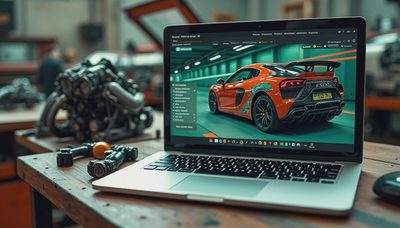
The auto industry is undergoing a digital transformation, and vehicle inspection software is at the center of it. From dealership service departments to independent repair shops and fleet operations, digital inspection tools are replacing paper checklists and manual processes. The real question is whether this scales across every type of operation. For many, the answer is already yes. These platforms capture photos, videos, and detailed notes during a vehicle walkaround, producing a consistent, shareable record that reduces disputes and speeds up workflow.

What Is Vehicle Inspection Software?
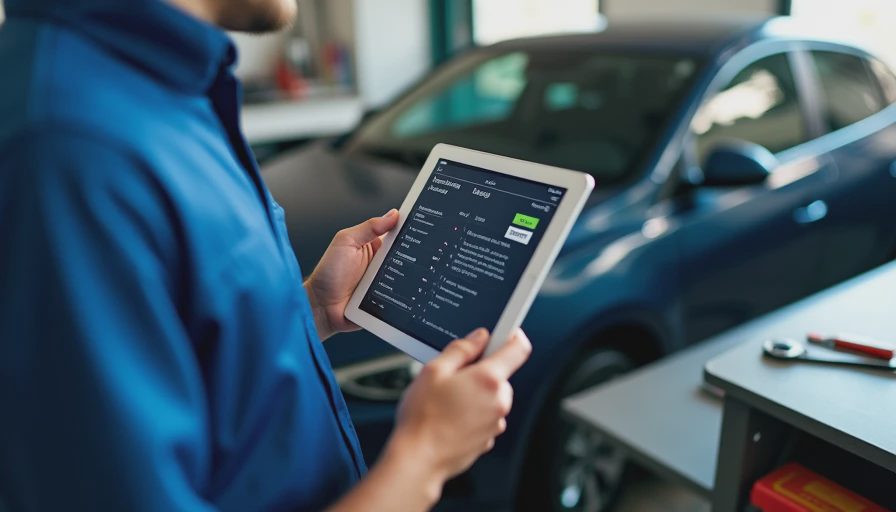
Vehicle inspection software is a digital platform that guides a technician or driver through a predefined inspection checklist. The user records findings via a smartphone or tablet – often with image capture and voice notes – and the software generates a structured report. These reports can include odometer readings, tire tread depth, brake pad thickness, fluid levels, and body damage. Advanced systems integrate with diagnostic tools and pull data from the vehicle’s OBD-II port, flagging trouble codes that need attention. The result is a single source of truth for vehicle condition at a given moment.
Key Benefits for Shops and Fleets
For service centers, vehicle inspection software eliminates the guesswork that comes with handwritten notes. Technicians can show customers exactly what needs repair with annotated photos, which builds trust and increases conversion rates on recommended work. Some shops report a 20-30% uptick in service revenue simply because customers can see the evidence. Fleets benefit equally: a standardized digital inspection ensures every vehicle is checked before and after each shift, catching wear before it becomes a roadside breakdown. The software logs every inspection, creating a maintenance history that helps with warranty claims, resale, and compliance audits.
How It Impacts Insurance and Compliance
Insurers are starting to use vehicle inspection software to reduce fraud in claims. A driver who files a damage claim after a rental can be compared against the inspection report taken at pickup. For commercial fleets, the data reduces liability in accident investigations by proving that a vehicle was in good condition before a driver left the yard. Regulatory compliance also becomes easier. DOT inspection forms, annual state safety checks, and fleet maintenance logs can all be digitized and stored in the cloud, ready for audit at any time. The software puts a timestamped, geo-tagged record behind every inspection, making it much harder for errors or omissions to go unnoticed.
Choosing the Right Platform
Not all vehicle inspection software is built the same. Small shops may prefer a simple mobile app with basic checklist functions, while large fleets need API integrations with telematics systems and dispatch software. Look for platforms that offer offline mode (many repair bays have spotty Wi-Fi), customizable templates, and easy export to PDF or CSV. Integration with your existing shop management system or fleet management software is critical – otherwise you end up entering data twice. Pricing models vary: some charge per inspection, others per user per month. Before committing, run a pilot with a handful of vehicles to see if the interface works for your technicians and drivers. The best tool is one that actually gets used.
The Bottom Line
Vehicle inspection software is no longer a nice-to-have. It has become a competitive necessity for shops and fleets that want to reduce liability, increase transparency, and improve efficiency. The cost of implementing a digital inspection system is often recovered within months through higher service revenues, fewer chargebacks, and lower maintenance expenses. As vehicle complexity grows – especially with EVs and advanced driver-assistance systems – the need for accurate, detailed inspections will only increase. Operations that adopt vehicle inspection software now will be better positioned to handle that complexity, while those that stick with paper will find themselves at a growing disadvantage. Good demo, harder business – but the business case here is clear.
Steps to Successfully Implement Vehicle Inspection Software
Switching to digital inspections requires more than just buying an app. Here are five steps to ensure a smooth transition.
- Assess Your Current Workflow: Identify pain points in your existing inspection process. Do technicians skip steps? Are paper reports hard to read? Understanding where breakdowns occur helps you choose the right digital solution.
- Select a Platform That Fits Your Size: For a small shop with two bays, a $30-per-month app might cover everything. For a fleet of 200 trucks, look for enterprise-grade software that integrates with your telematics and dispatch systems. Request demos from three vendors and compare features like template customization, offline support, and report sharing.
- Train Your Team Thoroughly: The best vehicle inspection software fails if no one uses it. Schedule hands-on training sessions, create quick-reference cards, and designate a power user who can answer questions. Emphasize the benefits: less paperwork, fewer disputes, and faster turnaround.
- Run a Pilot Program: Test the software on a handful of vehicles before rolling it out company-wide. Track metrics like inspection completion time, report accuracy, and technician satisfaction. This data will help you justify the investment and tweak the process.
- Review and Improve: After full deployment, regularly review inspection data to spot trends. Are certain items consistently missed? Is the inspection time creeping up? Use these insights to refine your checklists and retrain staff. Continuous improvement turns a good tool into a great one.